DEX Aggregator+ is OKX's upgraded decentralized exchange trading experience. Built on top of the existing aggregator routing, it introduces Intent Swap — a trade execution method that lets multiple professional solvers compete for your order, delivering better prices, especially on large trades.
When you start a swap on OKX DEX Aggregator+, the system automatically checks whether Intent Swap can get you a better price. Here's how the full process works:
Checklist
- How does Intent Swap work?
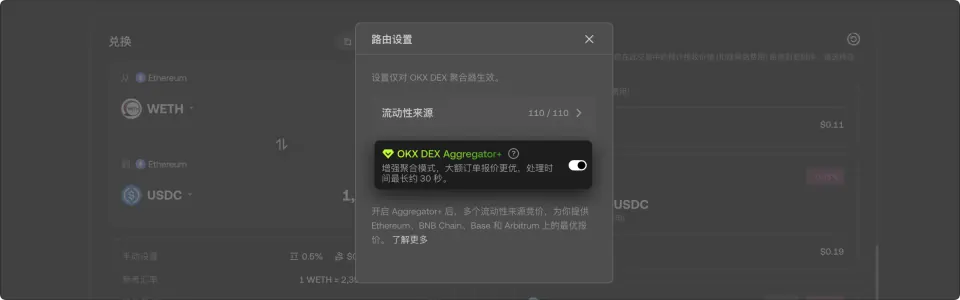
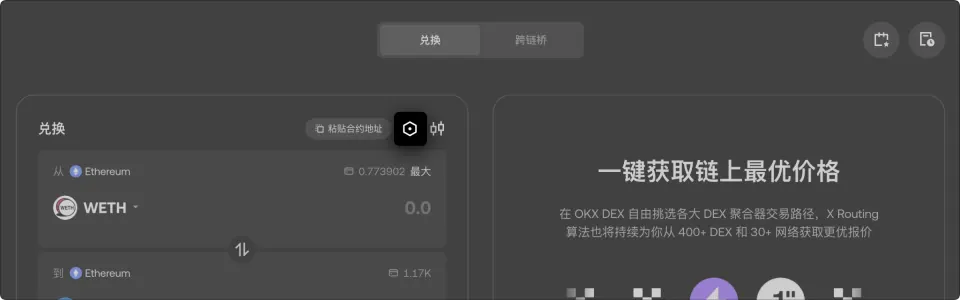
- How do I manage Intent Swap settings?
- On the app (iOS/Android):
- Open the swap interface.
- Select the settings icon next to the order panel.
- On the web:
- Select the settings gear icon next to the swap panel.
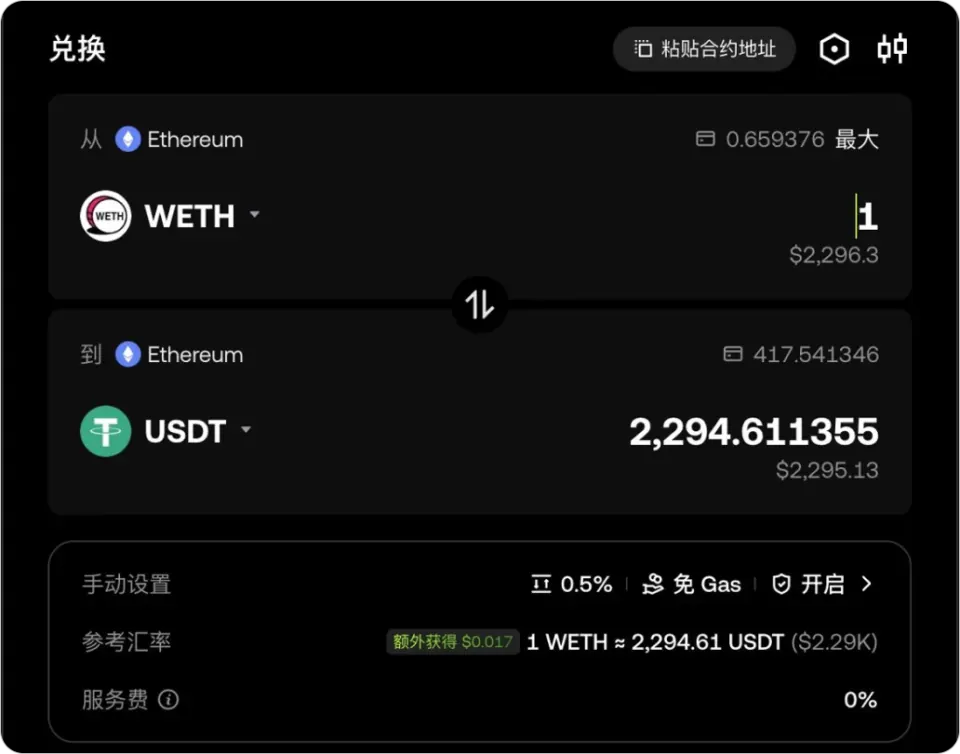
- On the browser extension:
- Open the swap interface within the extension.
- Select Settings and toggle the Intent Swap switch.
- Enter swap details — select your tokens and amounts as usual.
- Select the swap button and sign the intent order. The signing experience is similar to a standard swap.
Notes
Submit your trade intent. Instead of signing a transaction with fixed parameters, you sign an "intent" — a declaration expressing that you want to swap Token A for Token B under specific conditions (such as a minimum receive amount).
Solvers compete. Multiple professional solvers — including OKX's in-house Solver and third-party solvers — receive your intent and compete in a batch auction to offer you the best execution price.
Best price wins. The Solver with the best price wins the auction and executes your trade on-chain through a secure settlement contract.
Trade settled. The winning Solver submits the transaction to the blockchain, and you receive your swapped tokens.
Details follow the official OKX help article; this page is a learning checklist, not an official mirror.