
When trading perpetual futures, you may encounter situations where you’re unable to open or close a position. Please refer to the scenarios below for possible reasons and solutions.
Why can’t I open a position?
Checklist
- Insufficient funds in your trading account
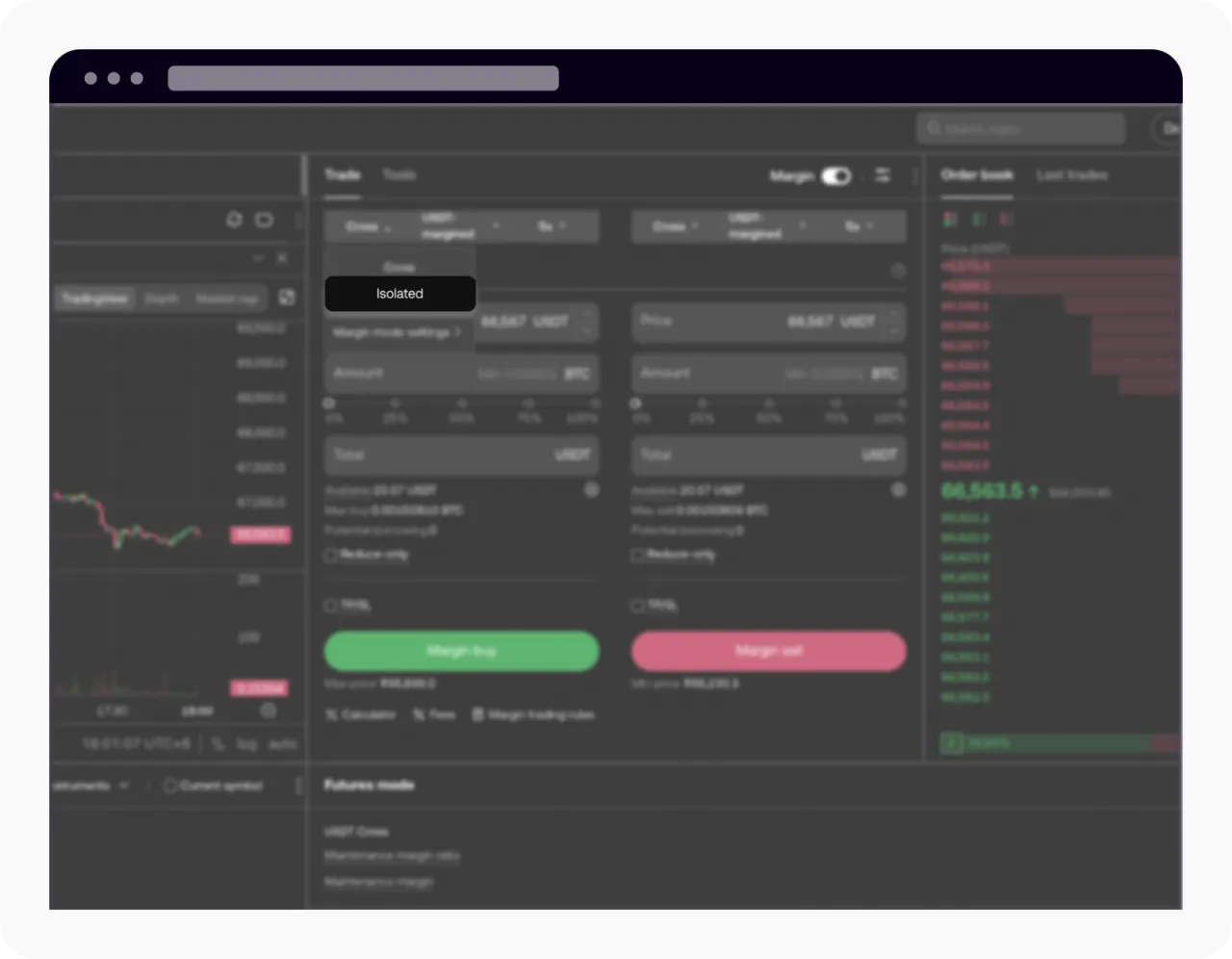
- Incorrect margin type selected
- Exceeded the position tier limit
- Wrong operation page selected
- You cannot open a position on the Close page. Please make sure you’ve selected Open on the trading page.
- 5. Isolated margin unrealized P&L cannot be used to open new positions
- Unrealized return in isolated margin cannot be used to open a position
- Insufficient available balance
- There are assets and available amount, but 100% order placement shows insufficient balance
- Existing open orders are occupying your position
- Margin mode mismatch
- Maximum market orders limit
Notes
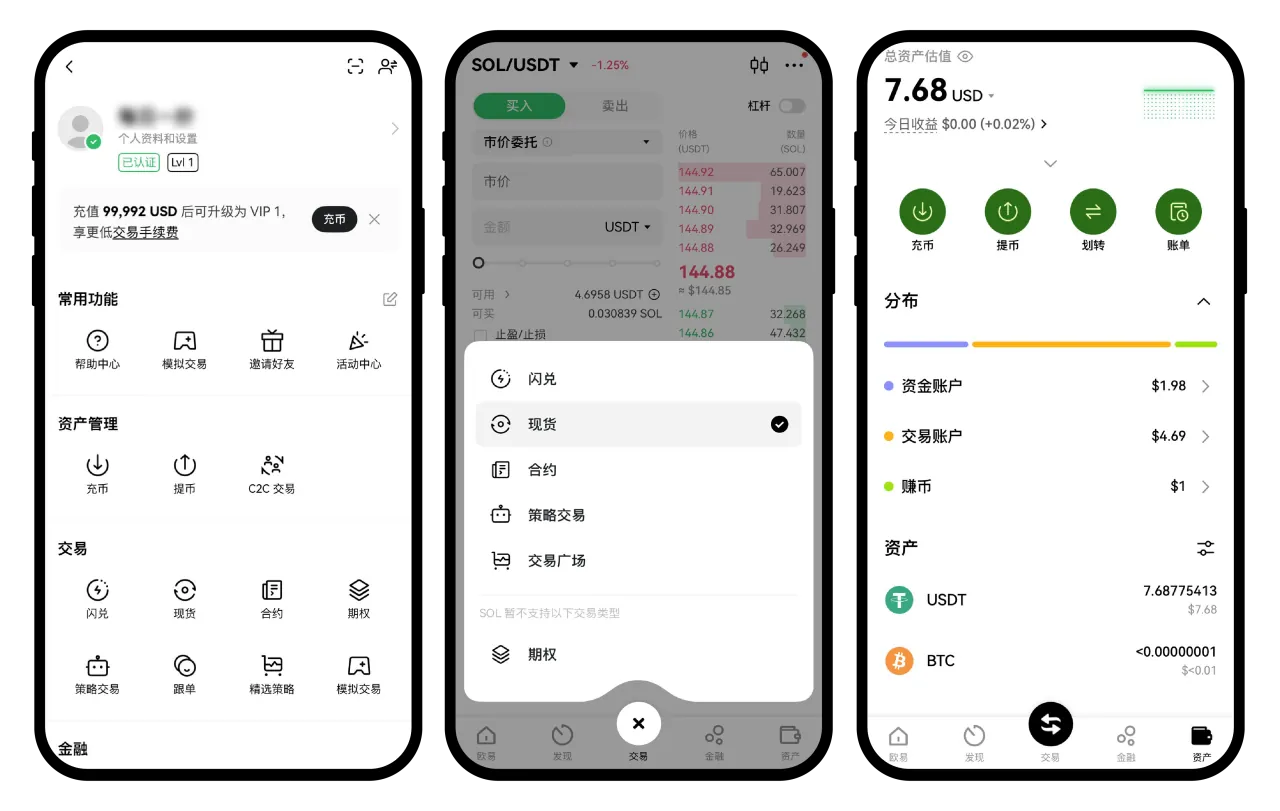
Futures margin must be in your Trading account. If your funds are in the Funding account, please transfer them to the Trading account before placing an order.
If you hold USDT but select a crypto-margined contract (or vice versa), you won’t be able to open a position. Please make sure the margin currency matches your available assets.
Each contract has different position tiers under different leverage levels.
For example, BTCUSDT perpetual may allow up to a certain number of contracts at 100x leverage. If your position exceeds this limit, you won’t be able to open additional positions.

Details follow the official OKX help article; this page is a learning checklist, not an official mirror.