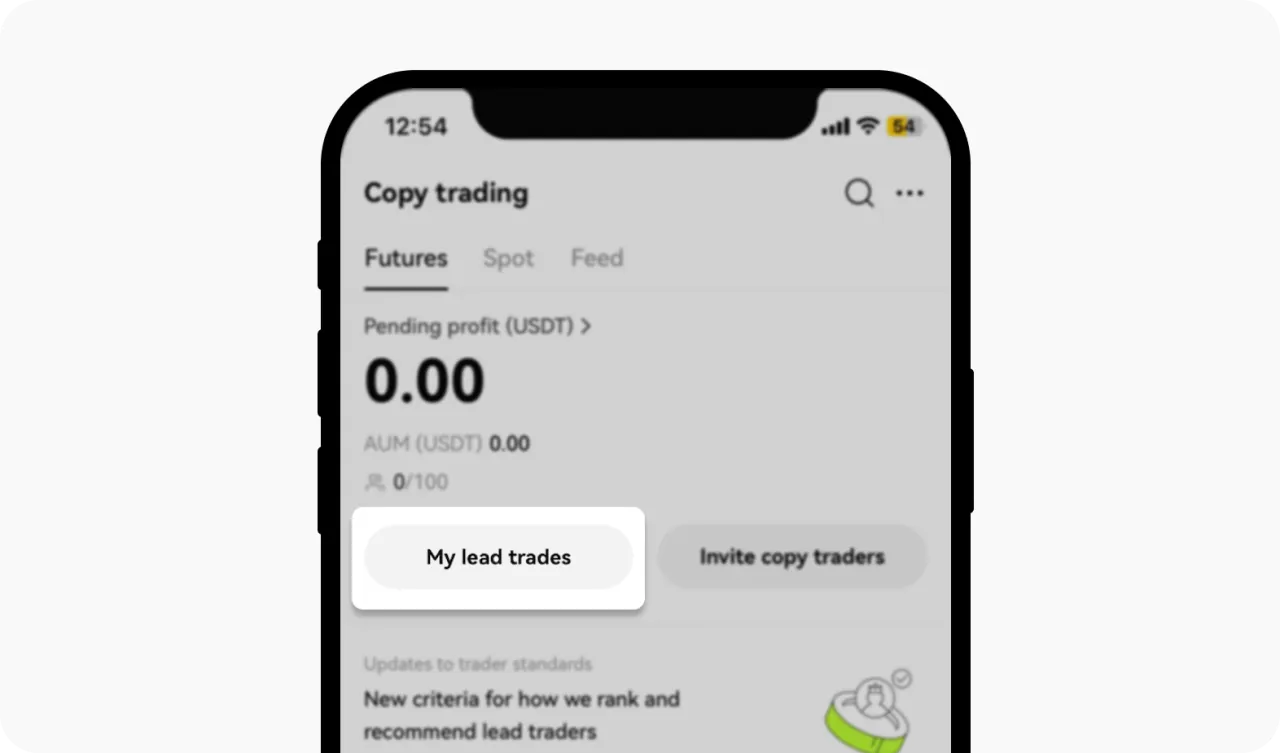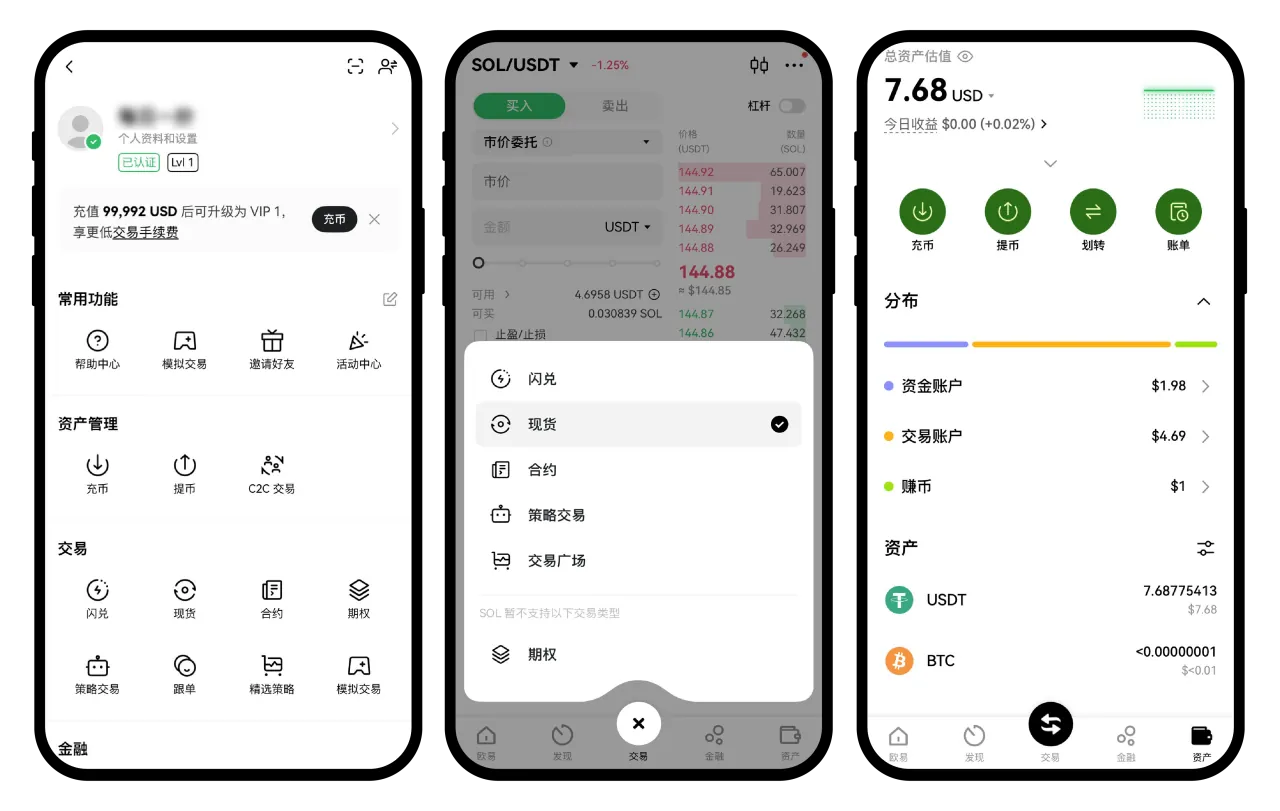

Crypto trading offers various features designed to help traders manage risk and optimize returns. One of these features is the options to trade using Cross Margin and Isolated Margin modes.
Understanding Margin Level
Checklist
- How do I trade using Cross Margin mode?
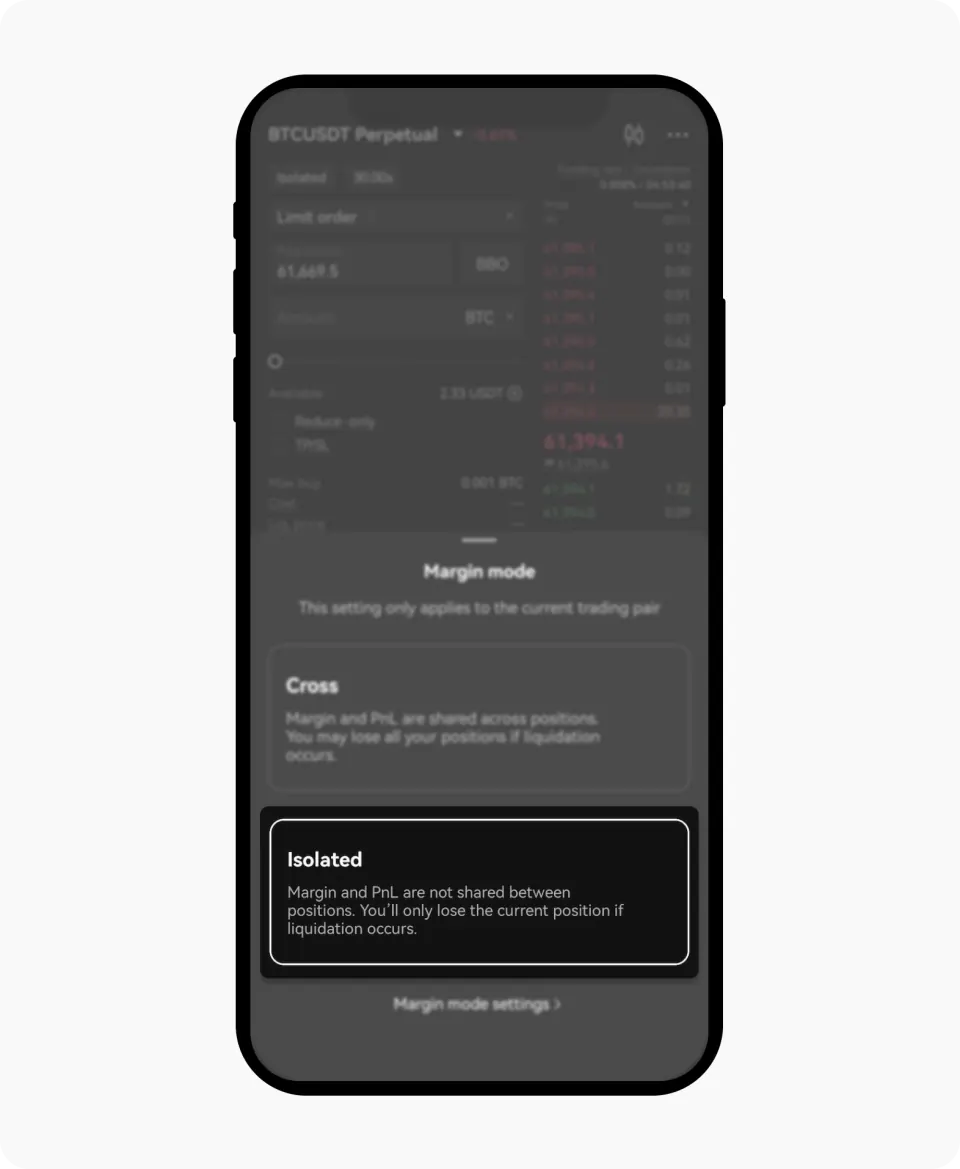
- On the App
- Navigate to the trading interface: When trading futures or margin, start with the selection of your preferred mode
- Select your preferred margin mode, whether Cross or Isolated
- Select Cross margin mode: in the margin mode options, select Cross Margin
- Select Cross to trade with Cross margin mode
- Set up your margin: Choose the leverage level (for example, 5x, 10x)
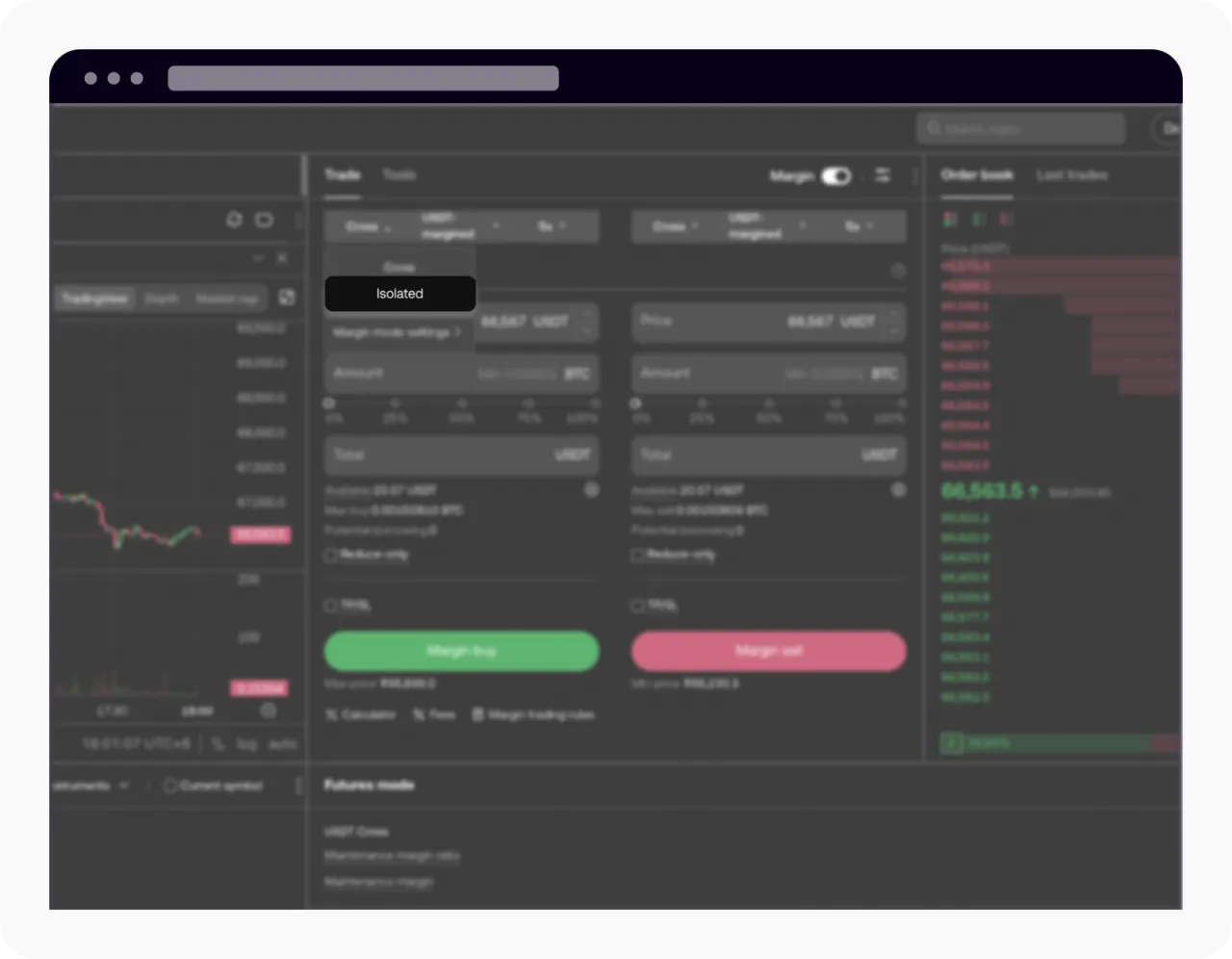
- On the Web
- Navigate to the trading interface: Log in at okx.com and go to Trade > Futures (or Spot, depending on your product)
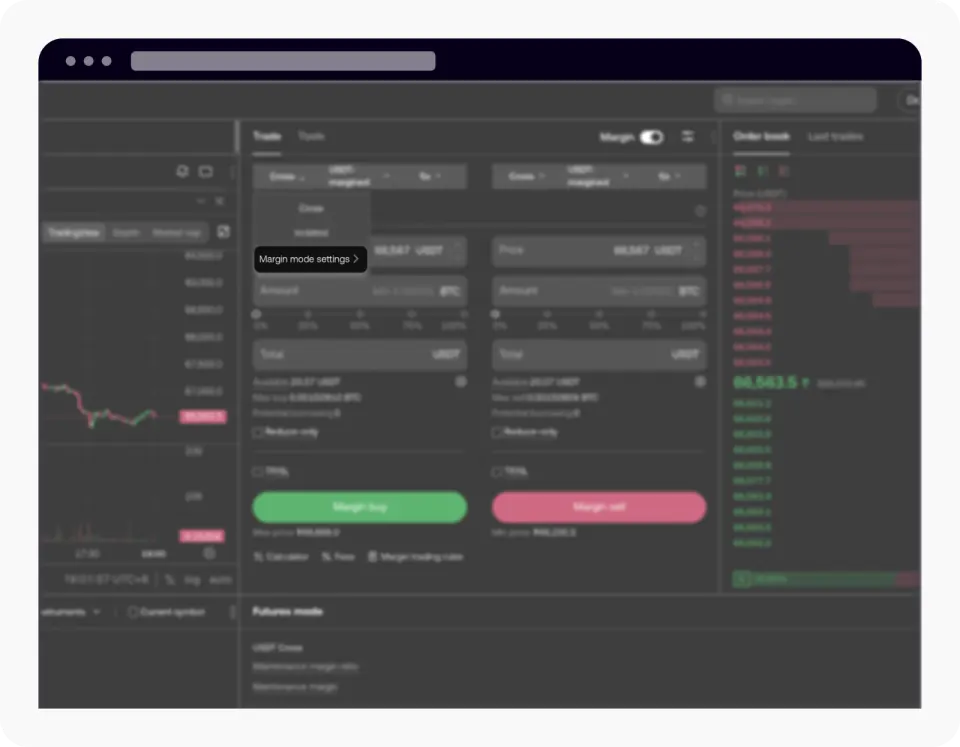
- Turn on the margin mode selector: On the trade panel, locate and turn on the margin mode toggle, then select Cross
- Select Cross to trade with Cross margin mode
- Set your leverage: Choose your preferred leverage level (for example, 5x, 10x)
Notes
When trading in Cross margin or Isolated Margin modes, one crucial metric is the Margin Level, a key indicator of the risk associated with your positions. A lower margin level signifies higher risk. If the margin level falls to or below 100%, your position may be reduced or liquidated. The margin level is determined using the mark price. To learn more about mark price, visit here.
What's Cross Margin mode?
In Cross Margin mode, all cross positions under the same margin asset share a unified margin balance. In the event of liquidation, your maximum loss is capped at the balance of all margins under the same asset, along with all cross positions under the same margin asset. Trading in Cross Margin mode offers several advantages:
Shared Margin: The available margin is distributed across all positions, helping to prevent liquidation during market volatility.
Details follow the official OKX help article; this page is a learning checklist, not an official mirror.