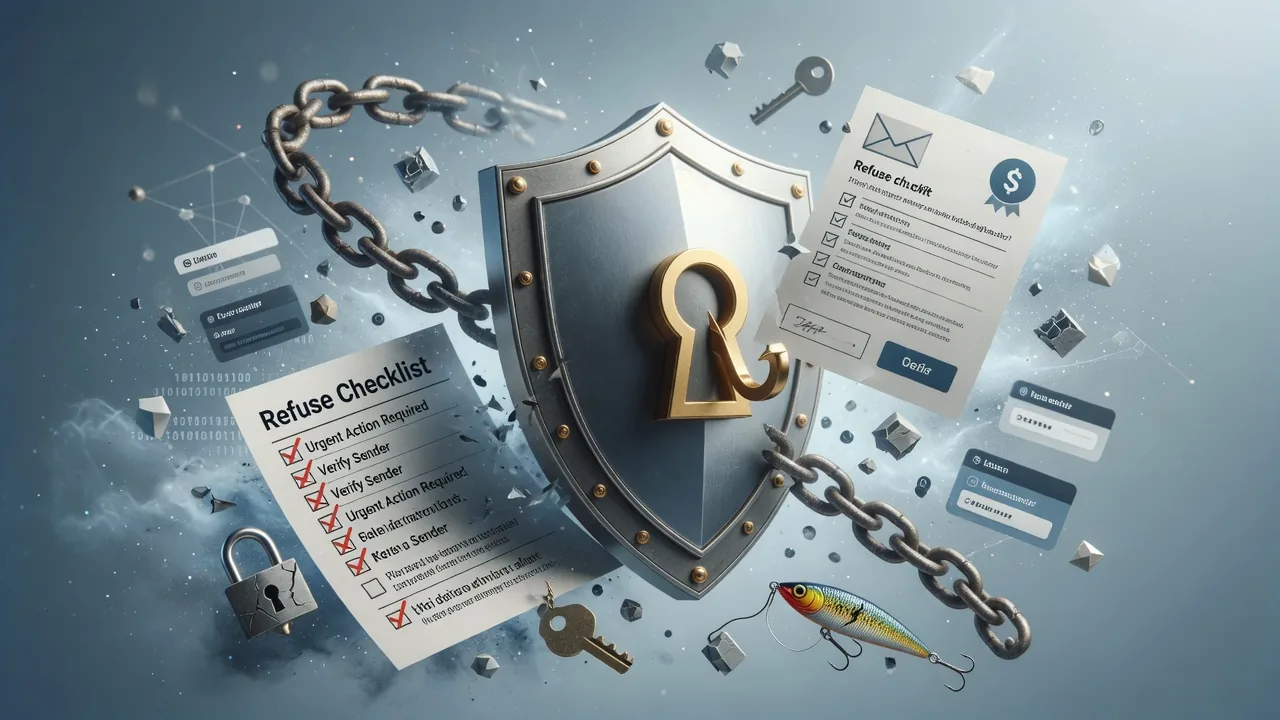

Phishing emails are becoming more subtle and convincing. They often blend into your inbox and try to trick you into sharing personal information or even your account credentials. Knowing how to spot these emails is one of the best ways to protect your assets.
Scammers often send emails that look very similar to official messages. Their goal is to deceive you into taking actions that put your account at risk, such as clicking a malicious link or sharing sensitive information.
Checklist
- How do phishing emails typically work?
- How do I identify a phishing email?
- Check the sender's email address
- Review the content carefully
- If you're prompted to log in, verify, or resolve issues on a non-OKX page, the email is unsafe.
- If the URL doesn't belong to an official OKX domain, don't open it.
- Don't click any links or follow instructions immediately
Notes
These emails commonly try to create a sense of urgency or temptation, for example asking you to “verify your account immediately,” “update your information,” or “claim a reward.”
Here are a few simple checks that can help you quickly determine whether an email is genuine:
This is one of the quickest ways to identify a suspicious email, OKX uses a set of official email domains. You can view all official contact channels here. If the address looks similar but not exactly the same (for example, “okx.com” changed to “oikx.com” or an unrelated domain), treat the email as suspicious.
Even if an email looks polished, there are signs that often give away a phishing attempt.
Details follow the official OKX help article; this page is a learning checklist, not an official mirror.