
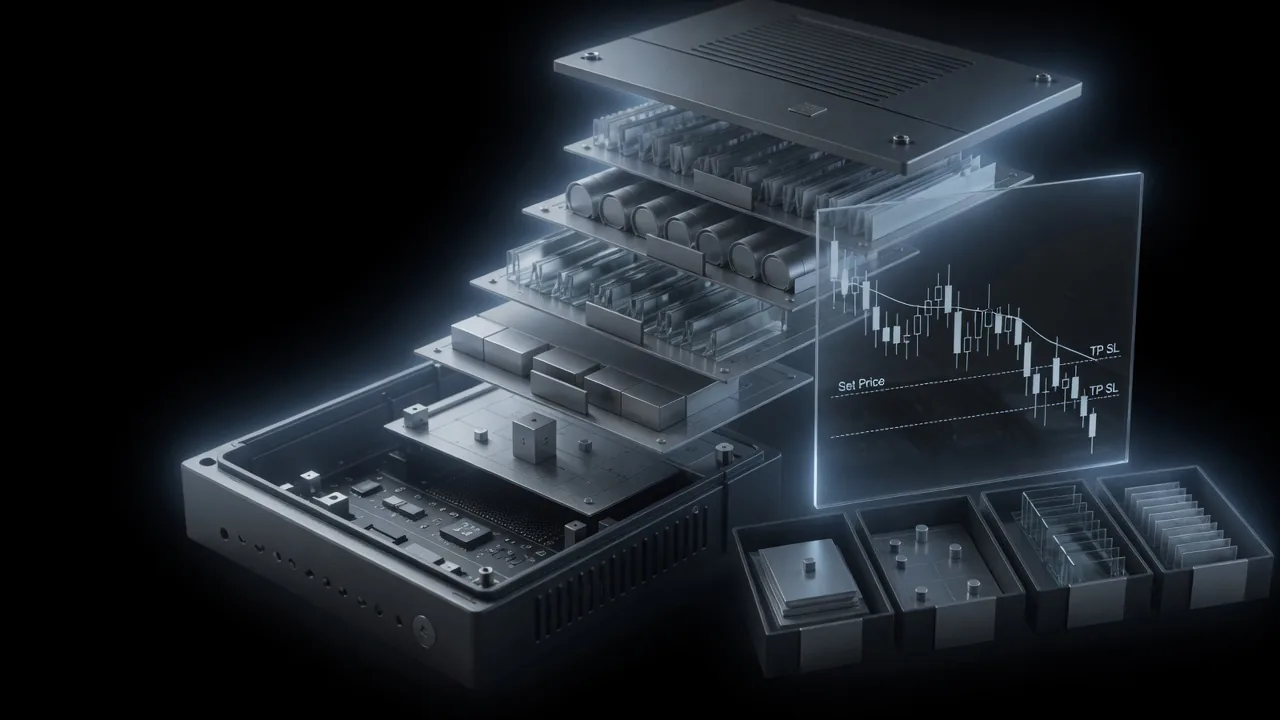

Take profit and Stop loss are types of strategy orders. You first need to set a trigger price, followed by an order price. When the market price reaches the trigger price, the system will place the order at the specified order price for matching in the market.
When using the take profit and stop loss function, you may encounter situations where the market price reaches the trigger price, but the order is not filled or only partially filled.
Checklist
- Take Profit or Stop Loss trigger price was not triggered
- Why the position may still be liquidated even when TP/SL is triggered
- Limit orders not filled or partially filled
- Orders are subject to maximum order size limits and price time priority
Notes
This may be due to various factors such as the trigger price type, order price type, market fluctuations, order book depth, the quantity of orders, and whether the margin is sufficient. It’s recommended to evaluate the order status based on real-time market conditions.
Take profit/stop loss trigger price ≠ order price ≠ filled price, It is important to understand how take profit and stop loss orders work. For market orders, the system places the order at the best available price in the current market, and the final filled price depends on market conditions。
Below are three common scenarios where take profit or stop loss orders are not filled or only partially filled, along with detailed explanations:
A take profit or stop loss order is only sent to the market after the trigger price is successfully met. When setting a take profit or stop loss order, you can choose one of the following trigger price types: Last Price, Mark Price, or Index Price.
Details follow the official OKX help article; this page is a learning checklist, not an official mirror.







