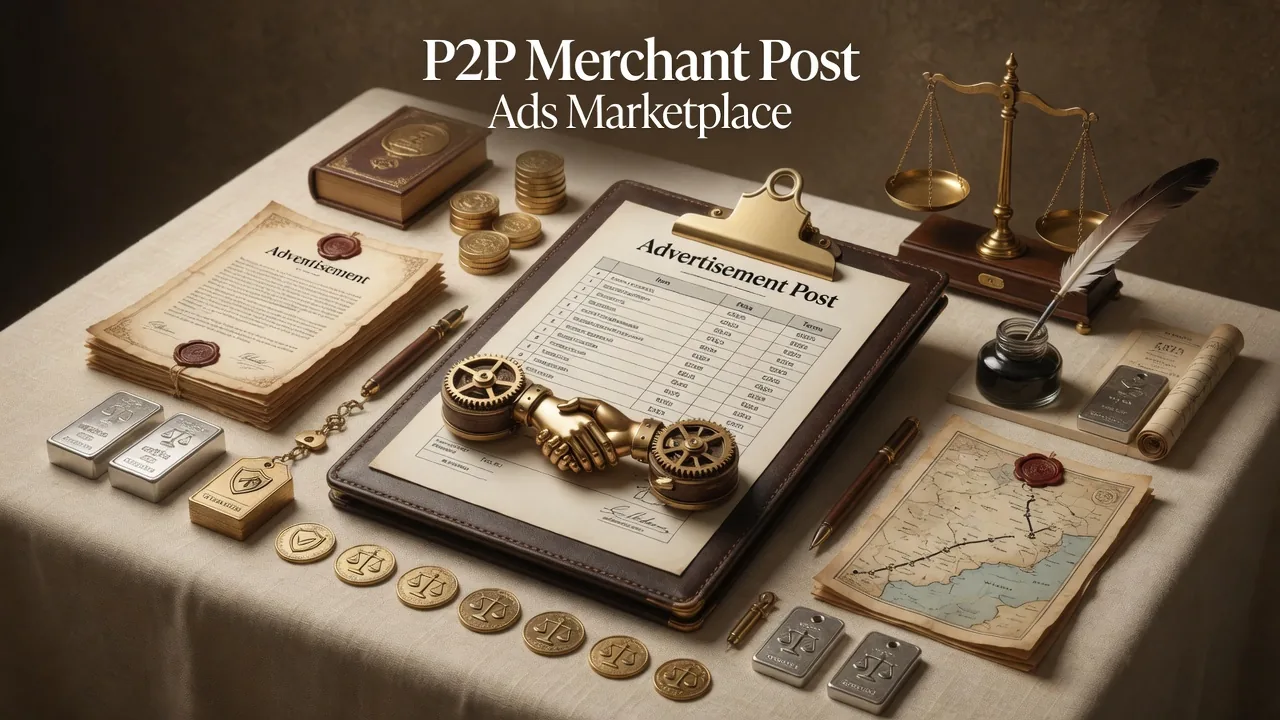

Once you've completed your verification requirements, go to the marketplace, and select Create ad. Follow the instructions on screen and fill in the ad details.
I've created an ad, but my ad doesn't show up in the marketplace. Where can I find my ad?
Checklist
- How to post an ad in the marketplace?
- You can only post ads to buy crypto in the marketplace if you've completed your verification. Select here to check your verification status.
- Select Create Ad to start posting your own ad
- If you want your ad to be seen publicly in the marketplace, don't forget to select Public during the ad creation.
- If you only want to share it privately via QR code or URL link, then select Private and your ad will not be posted in the marketplace.
- Select Private or Public in Marketplace selection before proceed
- How do I share ads?
- Go to My Ads page, select the ad you would like to share. Make sure it's set to Active and your user status to Online to be able to accept orders.
- Select Share and select your preferred sharing method.
- Select Share in My Ads interface to let others know about your ad
- How do I edit or delete the ad?
- You can go to My Ads page to edit or delete the ad.
Notes
You can find all your ads on the My Ads page.
You can share an ad using a QR code or URL link.
What does Active and Inactive ad status mean?
If your ad is Active and Public at the same time, your ad will be posted in the marketplace.
Details follow the official OKX help article; this page is a learning checklist, not an official mirror.