
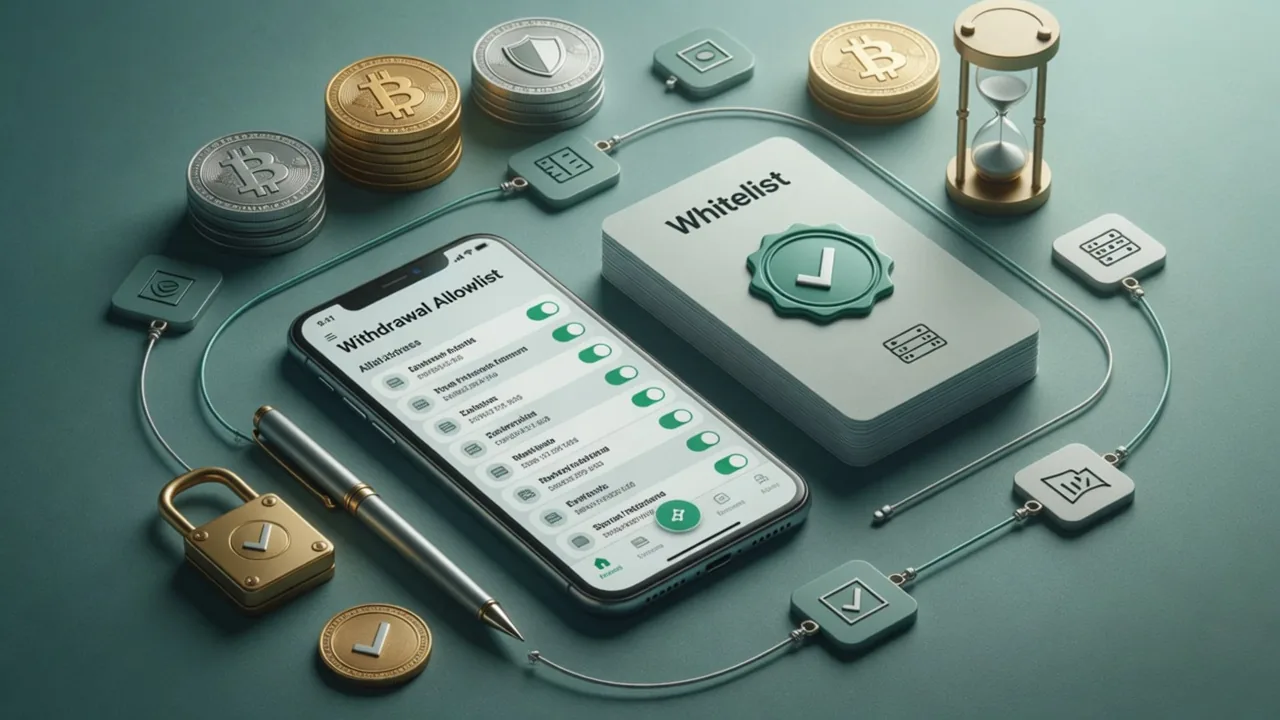

Allowlist enhances the security of your withdrawal. With this feature enabled, you can only withdraw to addresses saved in your address book. To add a new address, simply add it to your address book prior to withdrawing.
If your account is compromised, the extra layer of protection will prevent you from withdrawing funds to any unauthorized addresses.
Checklist
- Open your OKX App, go to Assets > Withdraw > Select Withdraw crypto > Select crypto
- Select Address book > Tap Address Settings icon in the top-right corner
- You can either enable the Allowlist only or enable the New address withdrawal lock at the same time
- Tap Add recipient > Select the recipient type > Choose the network > Paste the address > Next
- Enter Address name > Save address
- Tag-based coins require internal transfer: If you are withdrawing a tag-based coin to another OKX user, please choose OKX Users as the withdrawal method.
- Under Allowlist, after selecting an address, follow the prompts to enter the Amount and tap Submit to complete the withdrawal.
- How do I disable the withdrawal whitelist?
- Open the OKX App, go to Assets > Withdraw > Withdraw crypto > Select crypto
- How do I add a no-verification withdrawal address?
- If you do not select a verification period, each withdrawal will require verification.
- How does this impact my existing verified addresses?
Notes
Getting started
Note: when adding address, you can save the network selected as a universal address to withdraw other crypto from this network.
4. You can either enter the address or select the address in your address book. If there's no address available, you can select Add recipient on the Address book page.
If you see the prompt Invalid address when adding a new withdrawal address, possible reasons and solutions include:
Details follow the official OKX help article; this page is a learning checklist, not an official mirror.










